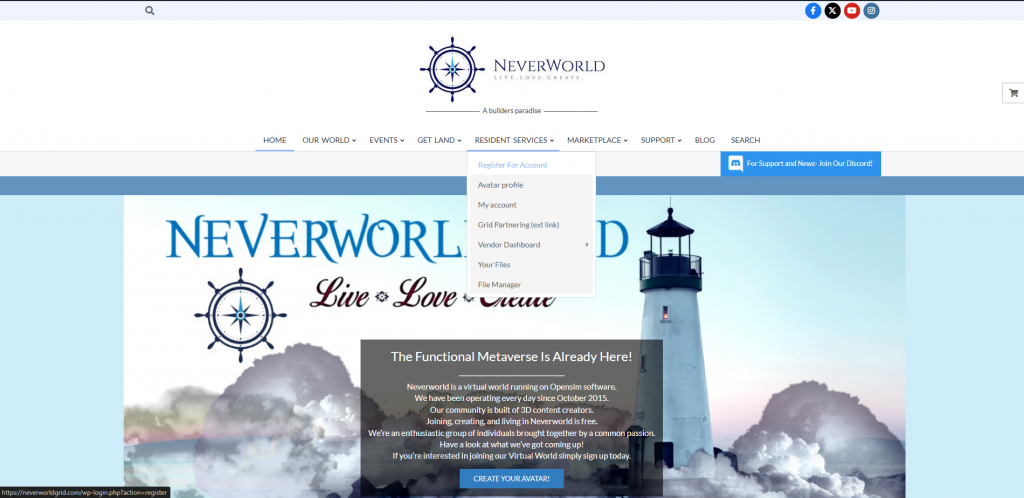
Click on Register for Account
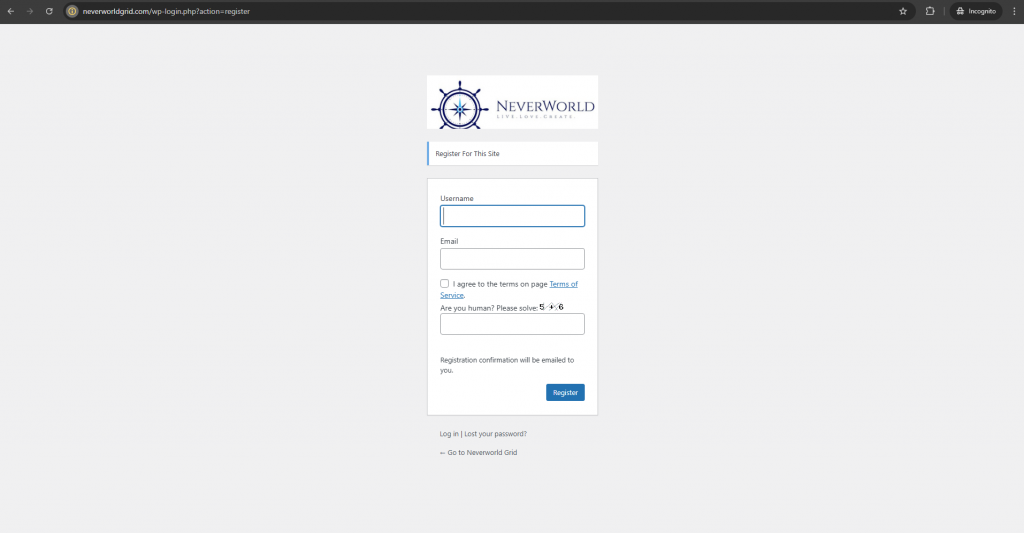
Next, Fill-In you User Name and email address, check the box and solve the math riddle.
After you click on Register, you must now Go To Your Email – Check Your Inbox, if you do not see an email from Neverworld Grid, please check you SPAM folder. There will be a link inside your email from this website. Click the link – this will bring you back to the Log-In Page, prompting you to “Set a Password”
Once you have logged-in you will be on your Profile Page
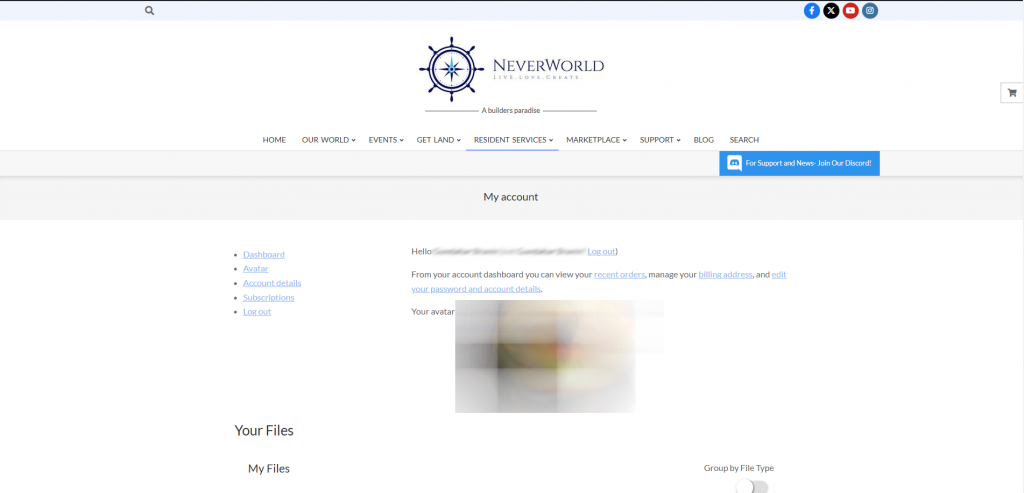
It is at this point you may be seeing the Avatar Selections appearing below this screen. When you fill in your name, Confirm your password, and select your Start Avatar, Click Save Changes.
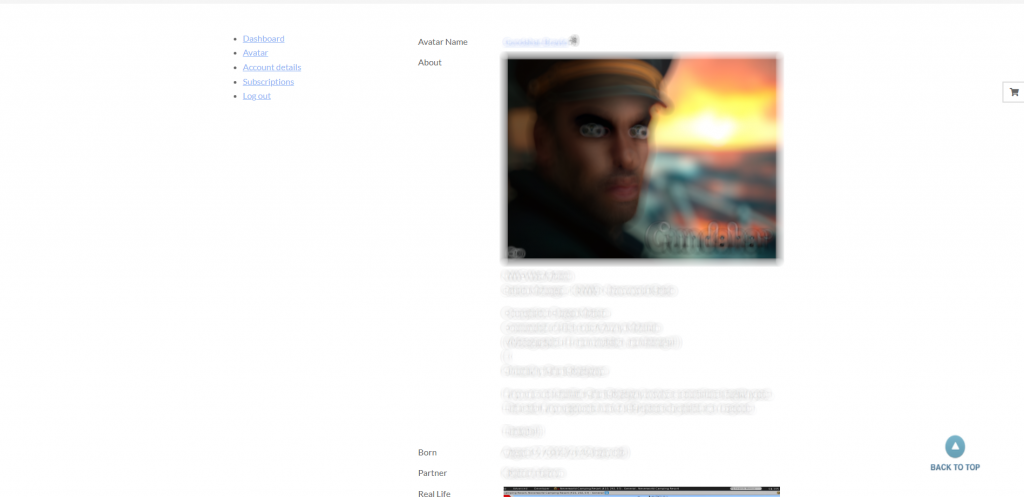
Your in-world Avatar Account should now be created. Click on “Avatar” in the menu on the Left.